Onlook alternatives when you want it inside your editor
By Andrea Buttarelli, founder of Feega · checked 2026-11-18 · how we checked
Keep Onlook if you work alone on a Mac and want a free local app. It is the closest tool to Feega: open source under Apache-2.0, it opens your repo and ships one-press pull requests. Feega covers a different case, the editor you already use.
Onlook and Feega at a glance
| Onlook | Feega | |
|---|---|---|
| Where it runs | A Mac app | VS Code, Cursor, Windsurf, VSCodium, or npx feega |
| Operating systems | macOS | Any |
| Licence | Apache-2.0 | Apache-2.0 |
| Opens your repo | Yes, a local folder or GitHub | Yes, the folder your editor has open |
| Pull requests | One press | No; you commit as usual |
| Cost | Free self-hosted; hosted via a demo | Free |
| Shared editing | Check Onlook’s pages for the current state | Not yet |
the difference is where it lives
Onlook runs your dev server for you inside its own app. That is a clean experience, and it means your editor and your visual tool are two windows, possibly two views of the same folder.
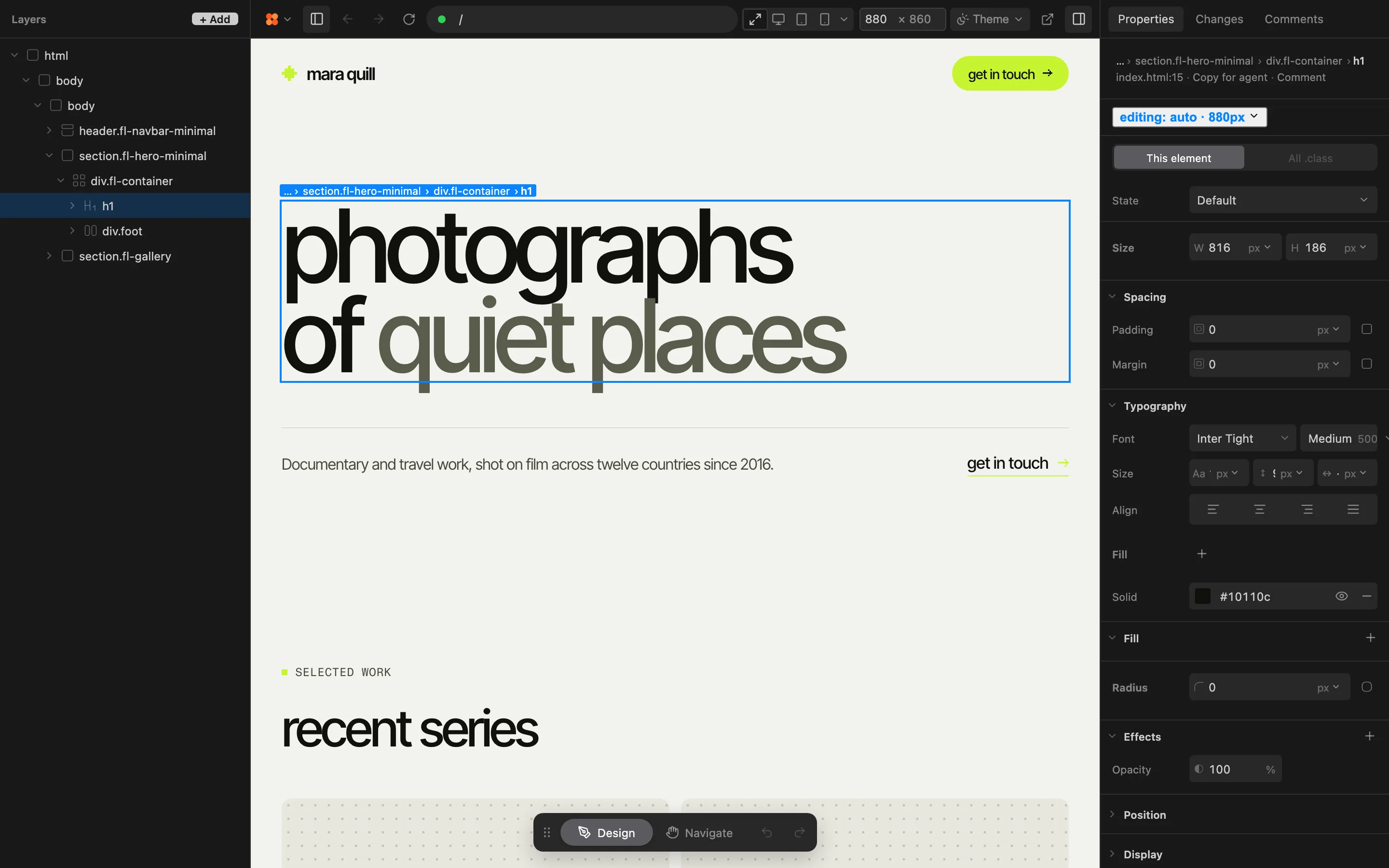
Feega sits inside the editor. The tool and the code are in one window, so the file you are changing is one tab away.
pull requests are Onlook’s strength
Onlook can open a pull request in one press. If your team’s workflow is branch, review, merge, that closes the loop faster than a manual commit, and Feega does not do it.
What Feega does is stop one step earlier and keep the edit visible. Each change is a diff in Changes, which you keep or undo, and then you use your usual git tools.
  .cta {
-   padding: 12px 20px;
+   padding: 14px 24px;
    border-radius: 6px;
  }
any OS, any of four editors
A Mac-only tool is a hard stop for a team with Windows or Linux machines. Feega is an extension, so it runs wherever the editor does.
There is also an npx feega route for people who do not use any of those editors: run it in the project folder and it opens in the browser.
- Open the app
- Open the folder
- Edit
- Press for a pull request
- Open the folder in your editor
- Edit
- Read the diff
- Commit with your own tools
when to choose which
choose Onlook if
- You want a desktop app on macOS.
- You want your own folder on your own machine.
- You like its Storybook and shadcn/ui support.
choose Feega if
- You work in VS Code, Cursor, Windsurf or VSCodium, on any OS.
- You want it inside your editor, not a separate app.
- You want a free tool with no account that sends nothing.
what each one costs
Both can be used for free. Onlook’s self-hosted version is free on GitHub, and its hosted version is sold through a demo. Feega has no paid tier to compare against.
Choosing on licence will not help, since both are Apache-2.0. Choose on where you work and how you ship.
try Feega on your project in five steps
- InstallAdd the Feega extension in VS Code, Cursor, Windsurf or VSCodium, or run npx feega in the project folder.
- Open the projectFeega starts your dev server and shows the running page next to your layers.
- Click and changePick an element, then set its padding, colour, type or layout in the Properties bar.
- Read the diffEvery edit appears in Changes as a diff against your source. Keep it, or undo it.
- Commit as usualFeega writes files and stops there. Review and commit with the tools you already use.
mistakes people make
Choosing on licence. Both are Apache-2.0.
Forgetting the second person. Check how a colleague opens the same work. Feega has no shared editing yet.
questions
Is Onlook free?
Self-hosted is free on GitHub. The hosted version is sold through a demo.
Are both open source?
Yes, under Apache-2.0.
Which one is more mature?
We make Feega, so we are not the right judge. Look at both repositories’ activity and try each on your project.
Can I use both on one project?
Both edit source files, so they can coexist. Commit between sessions to keep diffs easy to read.
Does Feega support Storybook or shadcn/ui?
Onlook lists support for both. Feega works on your running app with SvelteKit, React, Next.js, Vue, Nuxt, React Router, Astro or Vite; we make no claim about Storybook.
Does Feega need an account?
No. It sends nothing and runs locally.
how we checked
We make Feega, so read our column with that in mind. We read each product's public pages on 2026-11-18 and compared what they offer, not finished work. Something wrong? Write to hi@feega.app.
Feega is not affiliated with, endorsed by, sponsored by or connected to any company or product named on this page. All product names, logos and trademarks belong to their respective owners and are used only to identify those products. Information comes from their public pages on the date shown and may have changed since; check the source before you decide. This page is not legal, financial or purchasing advice.
Same spirit, different home. Pick the one that sits where you work.
download for free →