
Start from any site
Every layer, colour and font comes in editable - colours become variables, type becomes styles, all bound.
Feega is an open-source canvas to design, animate and generate. Start from your repo, Figma or any website.
or run it locally: npx feega


01 Code → Design → Code
Open your real app as an editable design. Send the changes back as a pull request.
GitHub or a local folder. Feega runs it.
Real pages, your components, your colours.
Or pull the latest code back in.
Every layer, colour and font comes in editable - colours become variables, type becomes styles, all bound.
02 Layout → Timeline → Video
Key it on a timeline, by hand or with the motion agent. Export an MP4.
Presets, easing, or ask the agent.
Scrub, loop, refine every key.
MP4, GIF or Lottie, with voice-over and music.
03 Prompt → Nodes → Assets
Text, image, video, audio and 3D nodes, wired together. Run them yourself, from the chat or with your agents.
Or let the chat write it.
One result feeds the next.
Run it again with new inputs.
No lock-ins
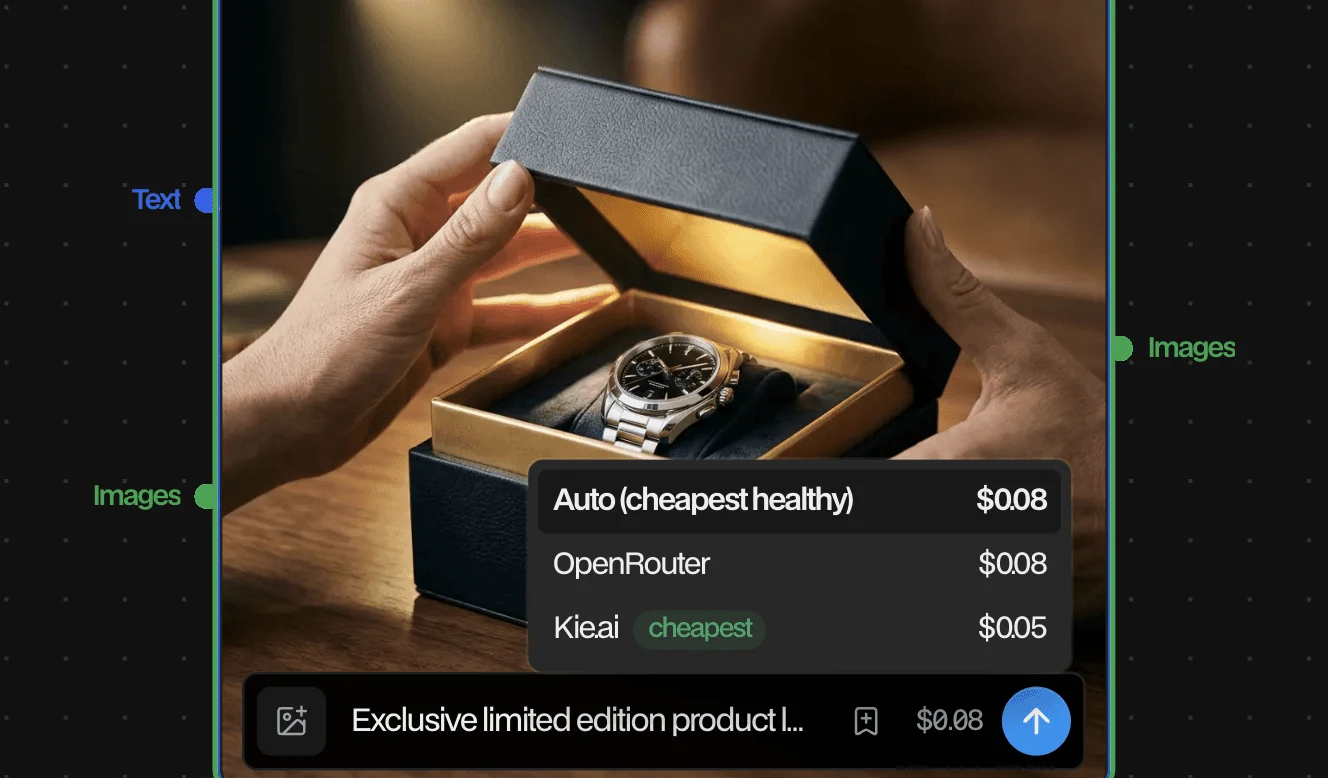
Bring your own models: OpenRouter, ElevenLabs and more.
Ready for Claude & Codex, even from your phone.
claude mcp add --transport http feega https://mcp.feega.app/mcpFor teams, and anyone who wants AI without managing keys.
€9 / editor / month
Start freeOnly people who edit pay. Viewers and your AI agents are free.
Start free: 1 editor, unlimited viewers and 100 credits to try AI, about 11 images. No card needed.
Bring the agent you already pay for: Claude Code, Claude, Codex or Cursor edits your canvas through our MCP server or CLI, up to 1,000 agent-made layers in any 7 days for free. Connect your agent →
More editors need the plan, and only the team owner can add one. Each is charged €9 a month from the day they accept, prorated to your renewal.
What you get
500 credits per editor each month, shared by the team: about 55 images or 10 short HD video clips per editor. Unused credits carry over.
Prefer your own AI keys? Feega is free on your machine, forever. Run it locally →
Set your month. Estimates use the models' own prices plus 20%.
About 1,126 credits a month. 1 editor costs €9 and includes 500. You'd top up about 626 credits: €10 covers it.
Credits are spent only by AI. Designing, editing and exporting are free.
Run out? AI pauses until next month's credits arrive, or top up €10, €20 or €50. Credits never expire.
Yes. Run npx feega and the full editor is yours on your machine, free, with your own AI keys. In the cloud, a team with 1 editor is free, with unlimited viewers and 100 credits to try AI.
Anyone in your team who edits. A free team has 1 editor and unlimited viewers. More editors need the paid plan, and only the team owner can add one: each is charged €9 a month from the day they accept, prorated to your renewal, and adds 500 credits to the team's pool. Removing an editor doesn't refund their seat: it stays paid until renewal. Viewers, and AI agents working through MCP or the CLI, are always free.
Yes. Connect Claude Code, Claude, Codex or Cursor through our MCP server or CLI and it works on your canvas with your permissions, on the subscription you already have. Free teams get up to 1,000 agent-made layers in any 7 days; the paid plan has no limit. Feega's built-in AI is separate and uses credits. Edits you make by hand are never limited.
What AI costs in the cloud. 100 credits = €1, and a run costs 120 credits for every $1 the AI provider charges. Designing, editing and exporting cost nothing.
AI actions pause until next month's credits arrive or you top up (€10, €20 or €50). Everything else keeps working, and no credits expire.
Yes, from the billing portal on your team's Credits page. Credits you bought stay yours. When the plan ends or goes unpaid, every editor except the owner becomes a viewer.
Feega didn’t start in a boardroom. It started with one designer, tired of paying for slow tools that were never built for working with AI. No VC money. No roadmap written for investors. Just a tool built by a designer, for designers, to make everyday work faster. And it’s open source, so it stays yours.
— Andrea Buttarelli
Feega is one infinite canvas for design, motion and AI generation. It is open source: use it in the browser, or run it locally with npx feega. Google Sign-In is used only for authentication; no Google API is used to generate or edit content.
Yes. Feega is open source under the Apache-2.0 license. The code is on GitHub.
Yes. Run npx feega: no account, no cloud. Your work is saved in one .feega file on your machine. You need Node 22.
Design in frames with layers and components, animate them on a motion timeline, and add AI nodes for text, images, video, 3D and audio. Wire nodes together so one output feeds the next, then run them to generate.
Images: Nano Banana (Google), GPT Image (OpenAI), Seedream (ByteDance) and Qwen. Video: Seedance (ByteDance), Kling and Grok Imagine (xAI). 3D: Trellis (Microsoft) and Hunyuan3D (Tencent). Voice, sound and music: ElevenLabs. You pick the model for each node.
Yes, in local mode. Add your keys for OpenRouter, Kie.ai, Higgsfield, Wiro, ElevenLabs and a text LLM provider, and generate from text with them. No plan or credits needed.
Import images, video, SVG and Lottie files, paste from Figma, or open a .feega file. Export stills as PNG, JPG, WebP, SVG or PDF, and motion as MP4, GIF, APNG or Lottie.
Yes. Paste from Figma and your layers stay editable on the canvas.
Yes. Invite teammates to your workspace as members or admins: everyone works on the same canvas and sees changes and who is online live.
Yes. Connect Claude Code, Claude, Codex or Cursor through our MCP server or CLI and it works on your canvas with your permissions, on the subscription you already have. Free teams get up to 1,000 agent-made layers in any 7 days; the paid plan has no limit. Feega's built-in AI is separate and uses credits. Edits you make by hand are never limited. Setup is in the MCP guide.
Yes. Every image and video Feega renders carries a machine-readable AI-generated marker in the file, and when we publish for you we set the platform’s AI-content label where one exists. See AI Transparency.
You keep ownership of the content you bring, and you may use what you generate for your own business purposes, subject to our Terms and third-party rights.
No. We do not use your prompts, uploads or generated content to train AI models. See our Privacy Policy.
Feega must never be used to create non-consensual intimate imagery (NCII), sexual deepfakes or any sexual content of real people. Sexual content involving minors is forbidden and reported to the authorities. Prompts and reference images are screened automatically, real or identifiable people are blocked in sensitive contexts, and AI outputs are labelled as AI-generated. Anyone can report content to support@feega.app: we remove it and suspend the accounts responsible. Read our Acceptable Use Policy, Terms and AI Transparency.
In the cloud, AI runs are paid in credits: 100 credits = €1. A run costs 120 credits for every $1 the AI provider charges. The plan is €9 per editor per month, and each editor adds 500 credits a month to a pool the team shares. Unused credits carry over. Viewers and AI agents are free. Top-ups of €10, €20 or €50 never expire. Running locally with your own keys needs no credits. See pricing.
Feega is built in Italy by Andrea Buttarelli, a freelance designer who wanted a faster way to work. No VC money, no growth team: just a designer building the tool he needed, in the open. Company details are in the Legal Notice, or write to hi@feega.app.