AI anime video generator
feega generates anime-style video clips of up to 15 seconds from a prompt or a character image. Generate the character once, reuse it as the first frame of every shot, and add dialogue, music and sound effects with the audio node.
Make an anime video →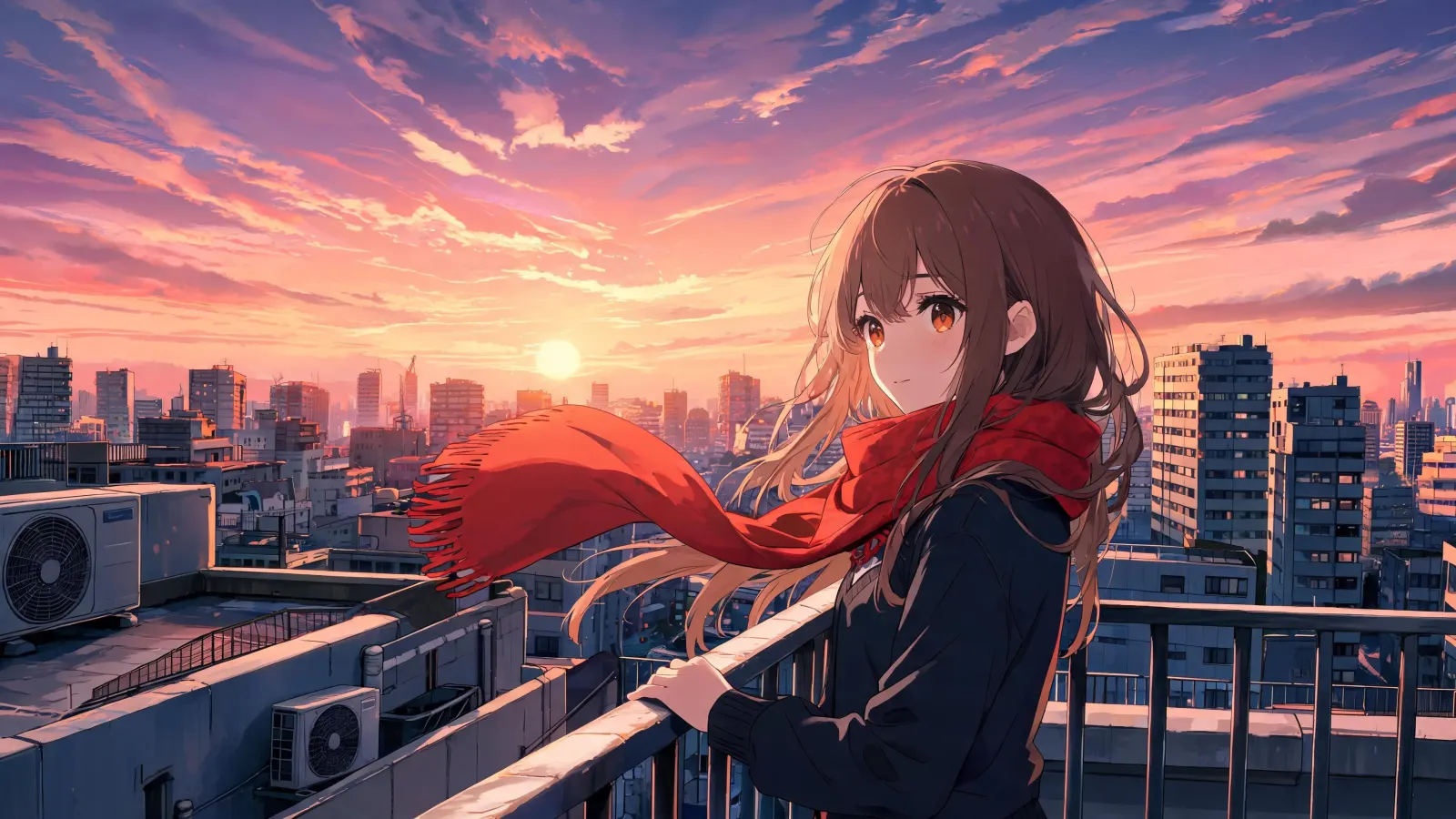
How it works on feega
1. Add a text node with your prompt, and an image node if you have a reference.
2. Connect them to a video node and pick the model, ratio and duration.
3. Generate. Every take stays on the canvas, ready to compare, edit or publish.
Keep a character consistent
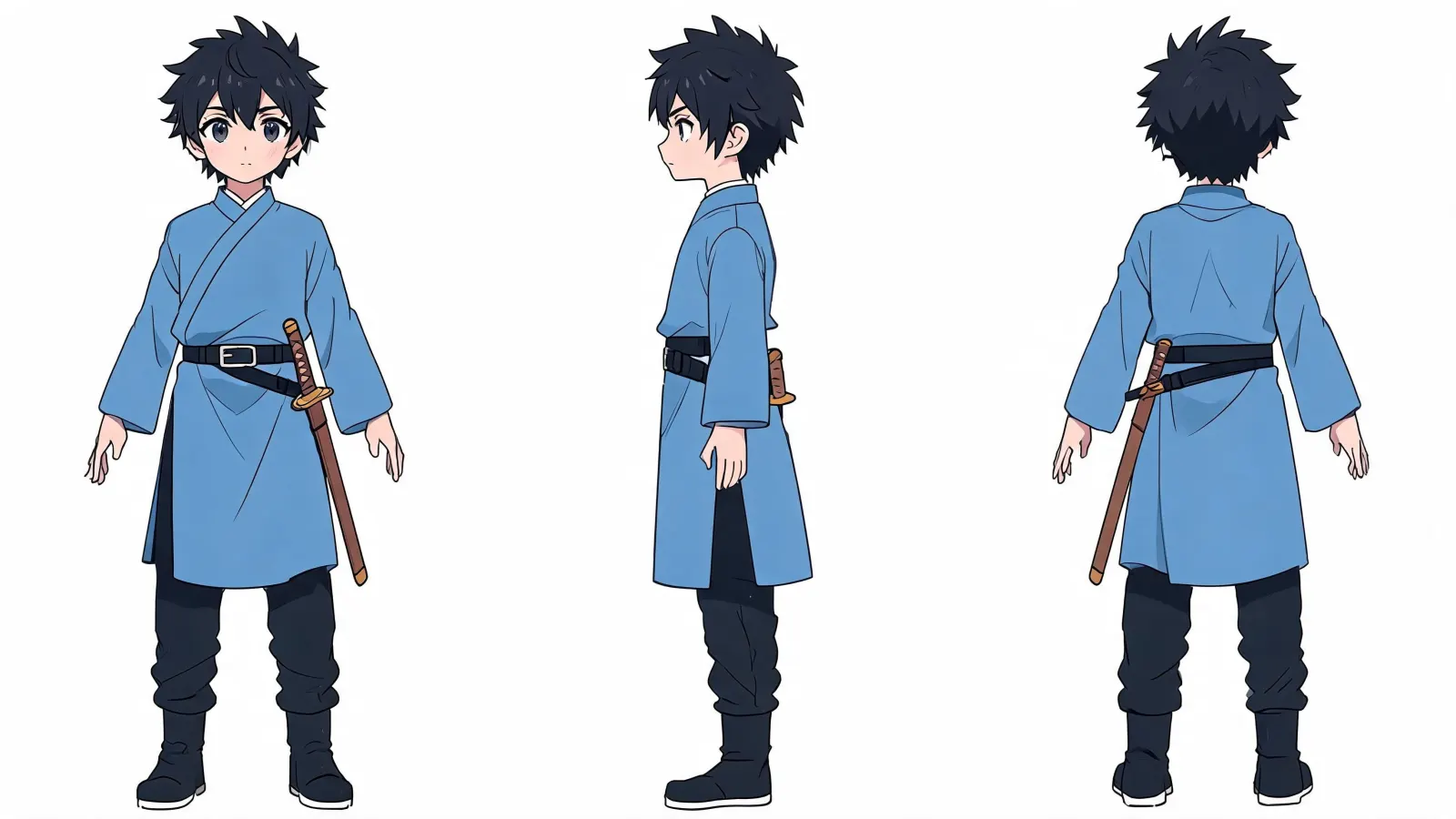
Create a character sheet with an image node, then connect it to each video node as the first frame. Every shot starts from the same design.
Add voice and music
Write the lines in a text node, turn them into speech, and add music and sound effects. Dubbing into other languages is available on the audio node.
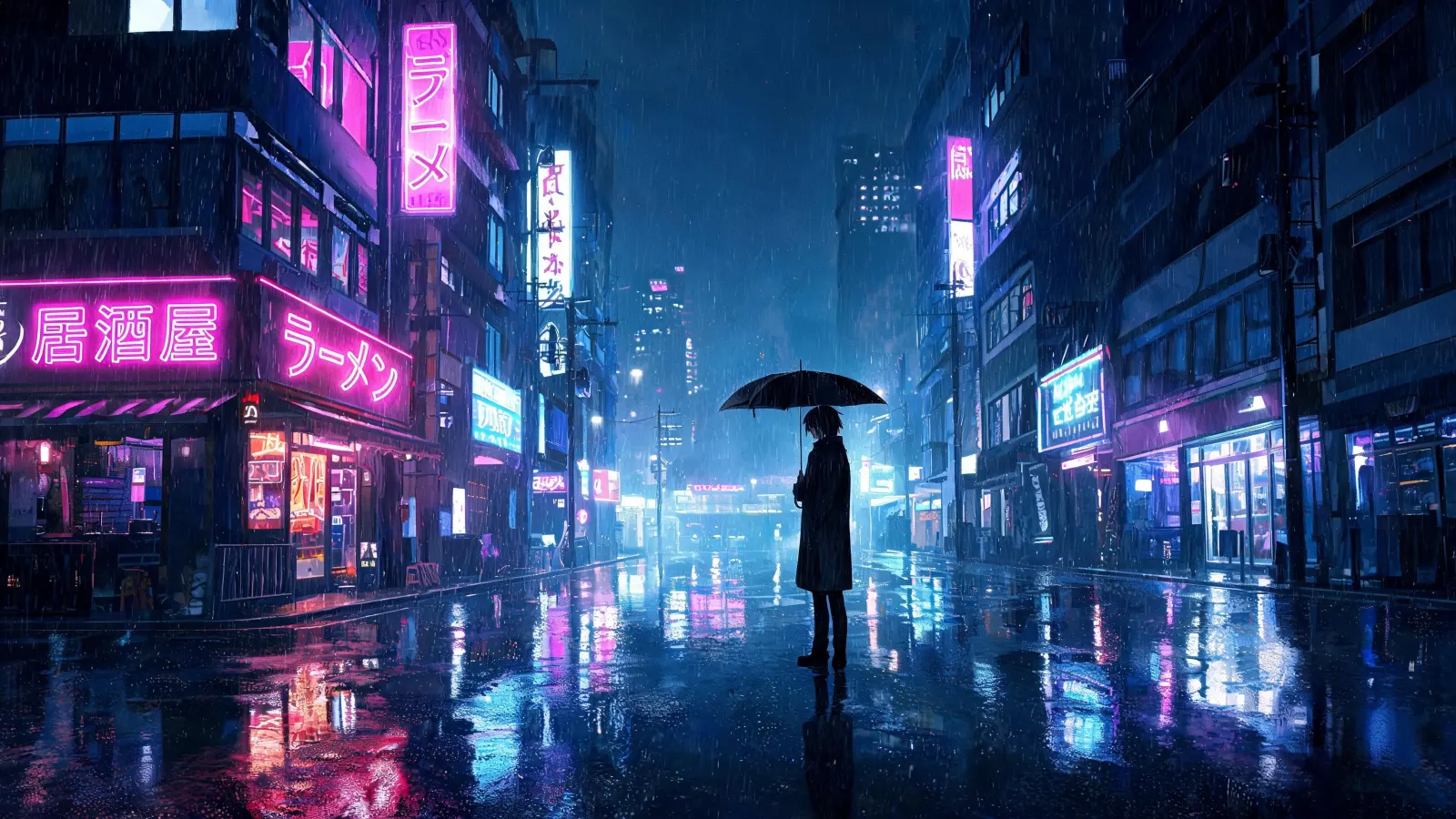
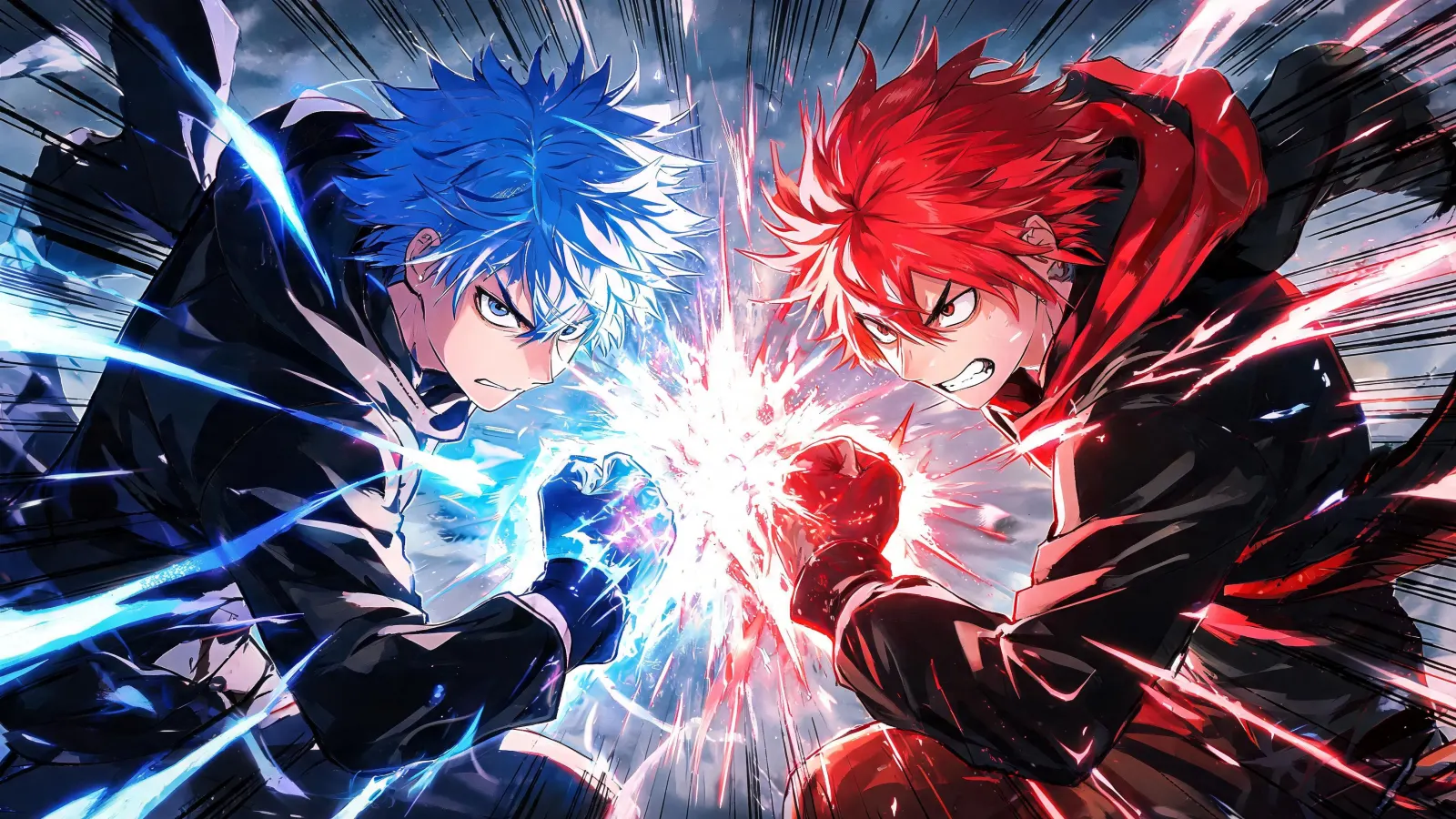
Examples made with feega
Questions
Can I animate my own drawing?
Yes. Upload it and use it as the first frame of the clip.
Can I make a full episode?
Each clip lasts up to 15 seconds. Build longer sequences shot by shot on the canvas.